



Our website has been enhanced with a new feature for partners. From now on, you will have direct access to the latest software versions for all Stienen computers via your Partner Login. You can download and install the latest software update yourself at any time. This increases the accessibility of our technical support. We hope this will make things easier for you.
Via the Partner Login, you can search by product and then by Update. For example, via KL-400:
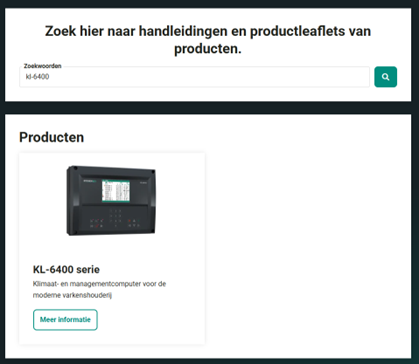
1. Login with your Partner Login. Search for KL-6400 via Search or Download Centre, then click on More information.
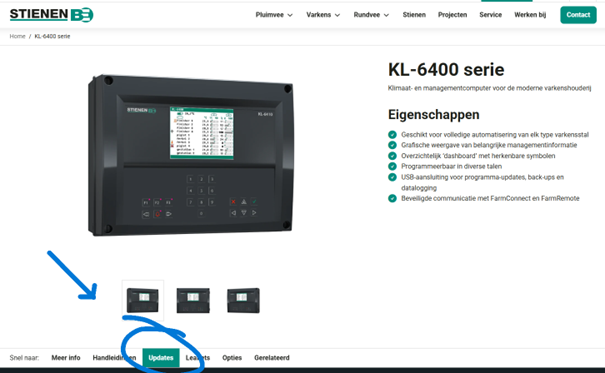
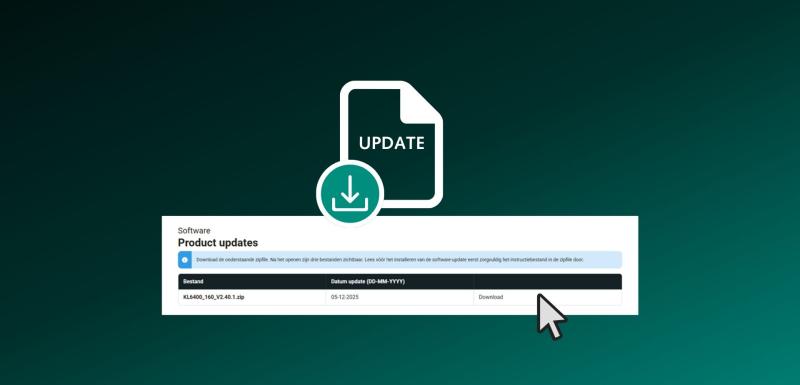
2. Scroll down to the “Updates” tab
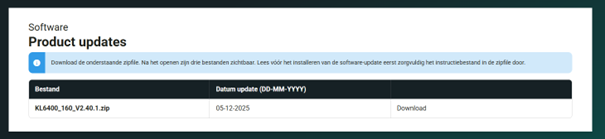
3. Click on Download and download the Zip file with the latest software version
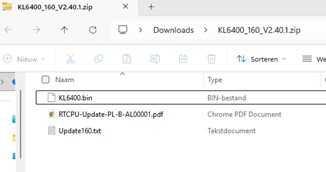
4. Find the instructions in the PDF document (in this case RTCPU) and read the .txt file for the contents of the update
Please note: only the latest software update is available here. Older versions are not available. Do you require a specific software update or have a question? Our Service Team is always available to assist you.
We will keep you informed of software updates via the newsletter. We would appreciate your feedback.
- The Service Team


We are available by telephone during office hours (8:00 a.m. – 5:00 p.m.).
+31 (0)495 - 63 29 26